

Quostudio
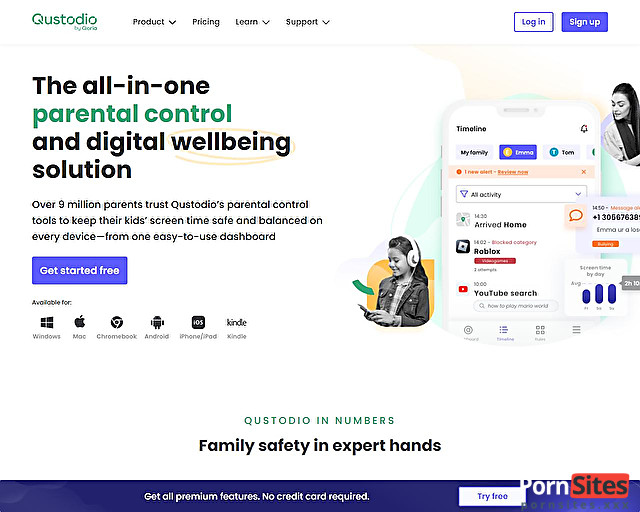
If you aren't ready to drop $50+ on a subscription right away, Qustodio is your best bet. Unlike Net Nanny, which is strictly "pay-to-play," Qustodio offers a permanently free tier. It’s limited to a single device, but for many parents, that’s all they need to lock down the family computer or a single tablet.
In 2026, Qustodio has pulled ahead by being the most "platform-agnostic" tool out there. Whether your household is a mix of Windows, Mac, Android, iOS, or even Kindle Fire, Qustodio ties them all into one slick parental dashboard.
- Added: 29. Mar 2026
- Last Manual Review: 29. Mar 2026
- Updated: 5. May 2026
The Pros And Cons Of Quostudio
- Legitimate Free Tier That Actually Works
- Best-in-class Dashboard And Reporting
- Incredible App-blocking (especially For Distracting Games)
- Premium Plans Are More Expensive Than Net Nanny
- IOS Features Are More Limited Than The Android Version
- VPNs Can Sometimes "leak" Through The Web Filter
What You Get for Zero Dollars
The free version isn't just a teaser; it’s actually functional. You get the core tools needed to prevent your kids from stumbling into your browser history or wandering into the "darker" corners of the web.
- Web Filtering: Blocks adult content categories automatically. It’s solid, though Net Nanny’s AI is slightly better at "reading" context.
- Daily Time Quotas: Set a hard limit (e.g., 2 hours) and the device literally locks them out once the clock hits zero.
- 7-Day Activity Reports: See exactly what they were searching for and which apps they used over the last week.
- The "Pause" Button: Just like Net Nanny, you can "kill" the internet connection instantly from your phone if things are getting out of hand.
Qustodio vs. Net Nanny: The 2026 Face-off
If you're wondering which one to install to keep your private browsing private, here is how they compare:
| Feature | Qustodio | Net Nanny |
|---|---|---|
| Free Version | Yes (1 Device) | No (Paid Only) |
| Social Media | Deep Monitoring (Premium) | Filter-only |
| Filtering Tech | Category-Based | AI Real-Time Scanning |
| App Blocking | Superior (20k+ iOS apps) | Basic |
The Catch: Why Premium Beckons
The free version is great, but Qustodio is very good at "upselling" you. If you want to monitor YouTube history, track SMS/Calls (Android only), or use Geofencing to see where your kids are in the real world, you’ll have to move to the paid tiers.
Bro-Tip: Tech-savvy kids (especially on Android) have been known to bypass Qustodio using guest modes or specific VPNs. It’s a great tool, but it works best when combined with an "old school" talk about digital boundaries.
Summed Up: The Practical Parent's Choice
If you want a professional-grade tool without the upfront cost, Qustodio is the winner. It’s perfect for managing a single "danger zone" device (like the living room PC). However, if you have a house full of devices and want the absolute best AI filtering for adult content, Net Nanny still has a slight edge in "pure" blocking power.
